AI-Powered Automated Leave Balancing Using Zia
Here is our approach for applying for and approving leave requests using ZIA in Zoho People in a simple way.
Even a non-technical person can easily set it up in just a few steps

Approach
Zia must be enabled for your organization, and your role must have access to it. Available leave types and balances follow your Zoho People leave policies.
1. Enable Zia for your organization
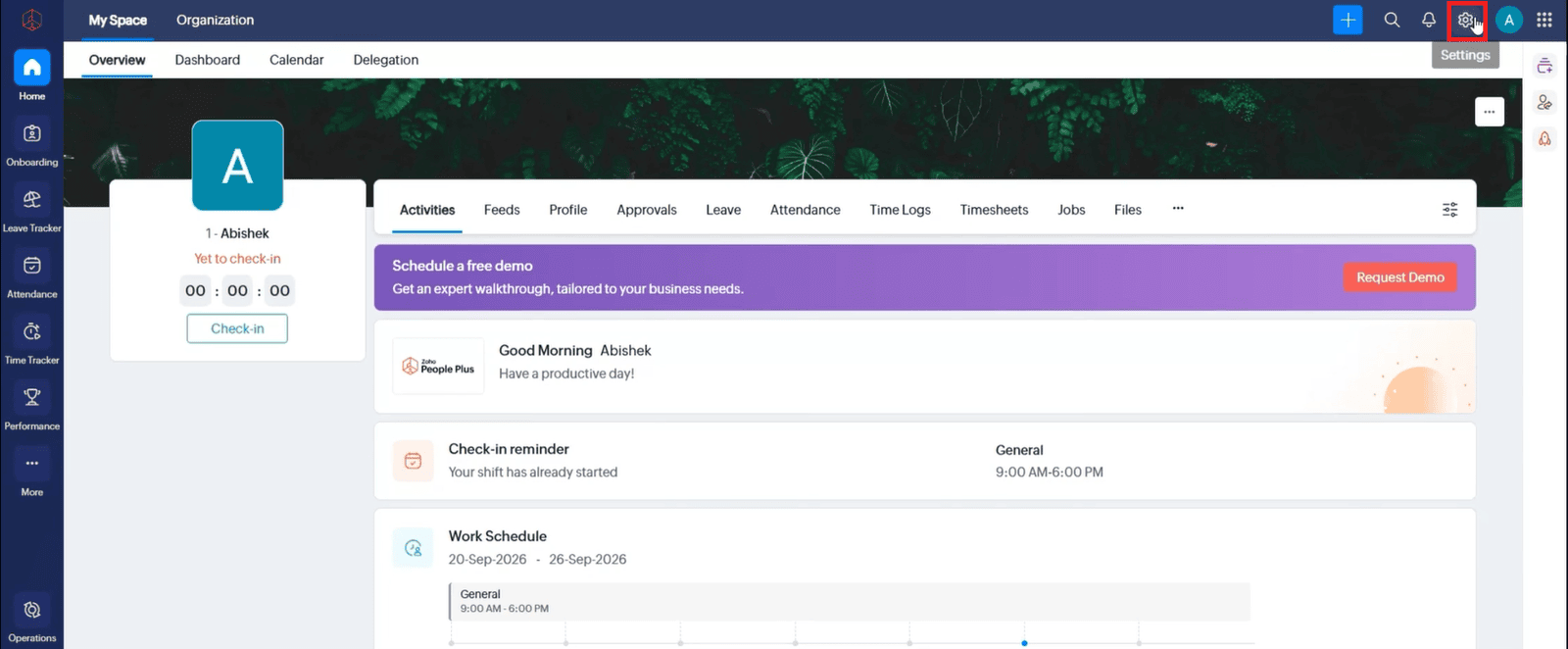
1.1 Open Zoho People Settings.
1.2 Open Zia from the Services grid.
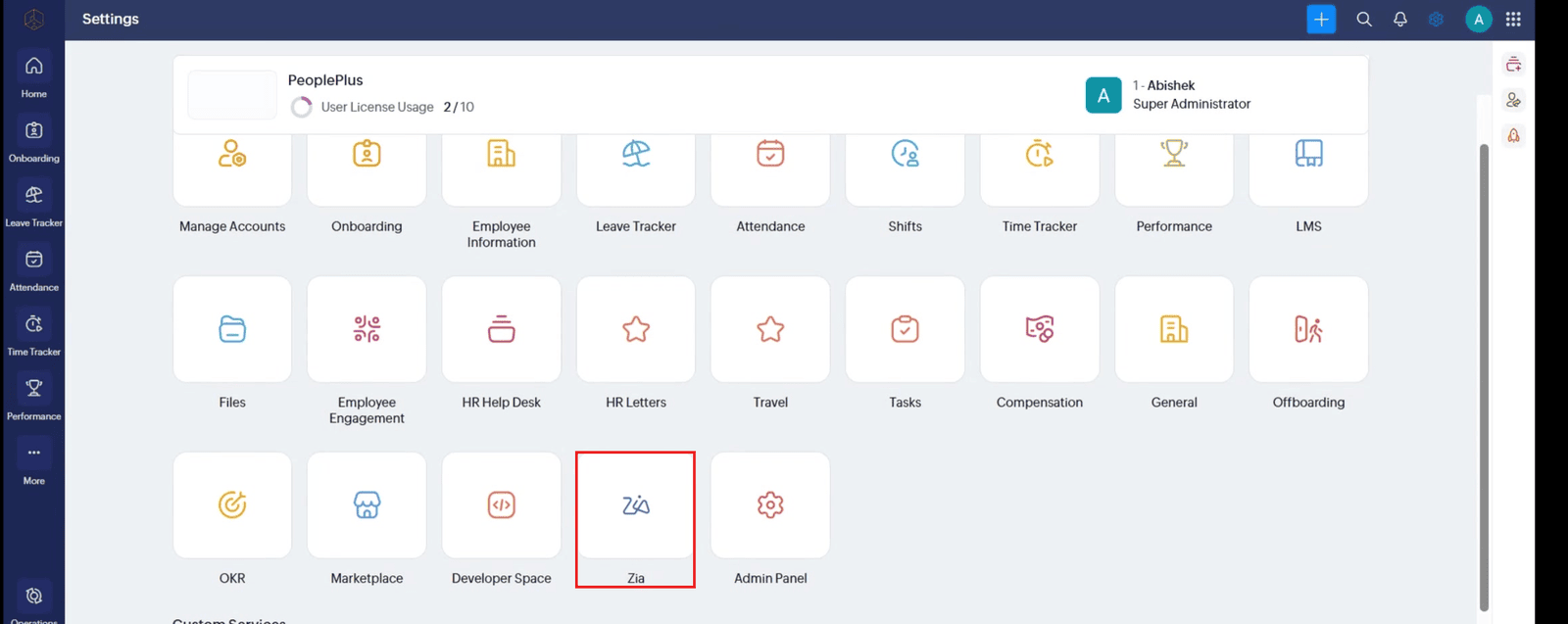
1.3 Select the Zia service and open its Configuration.
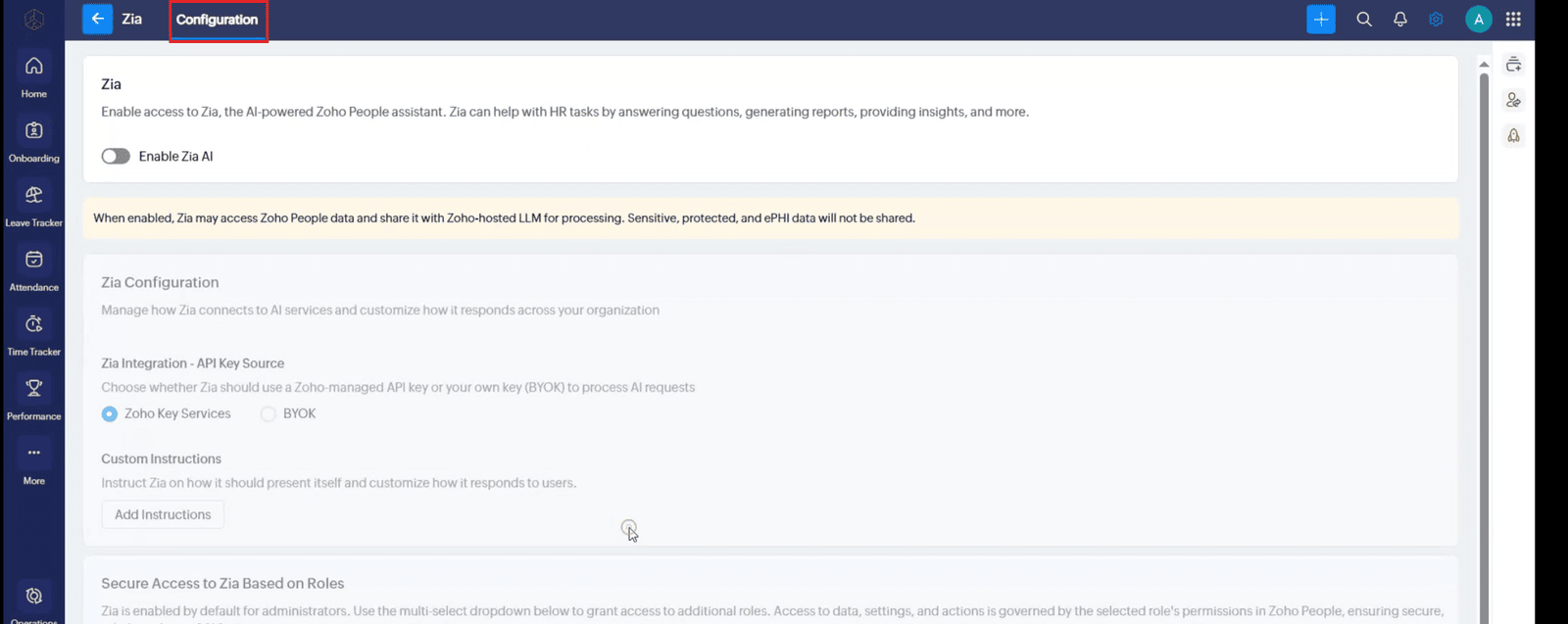
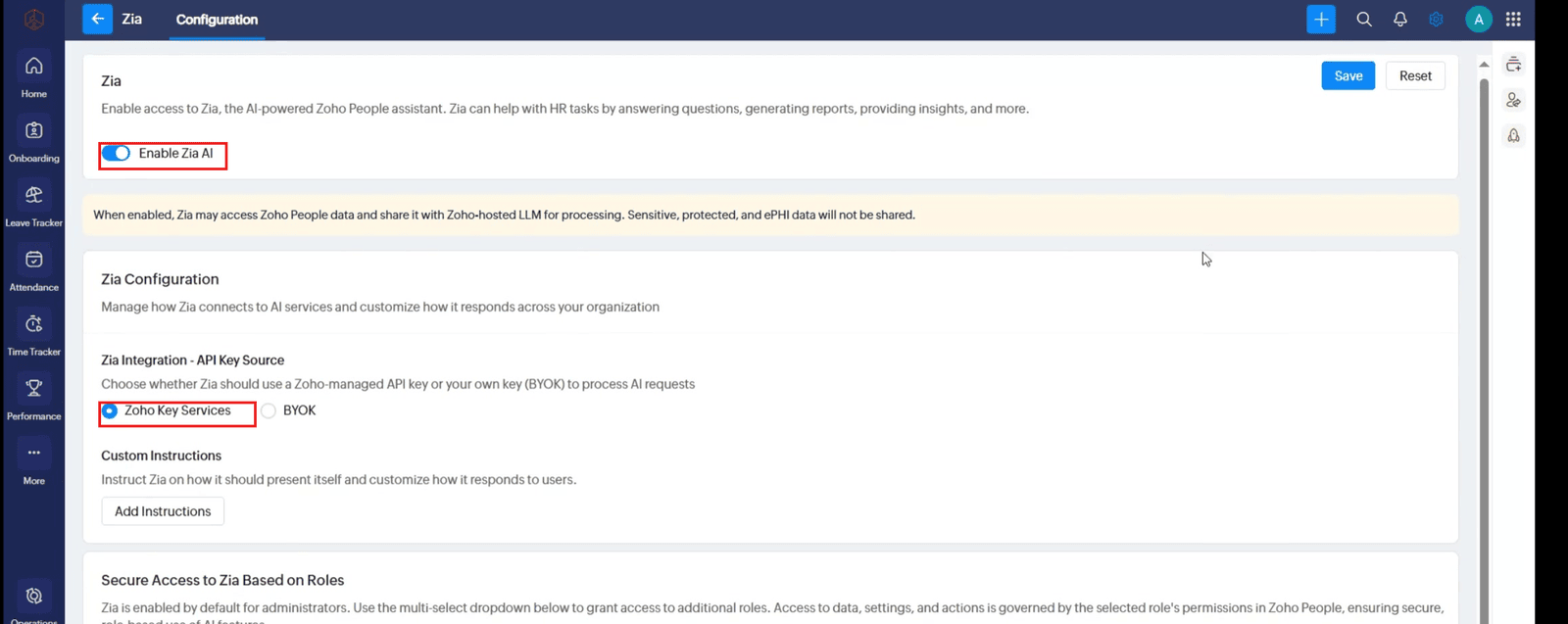
1.4 Turn on Zia AI and choose Zoho Key Services or your organization’s approved BYOK source.
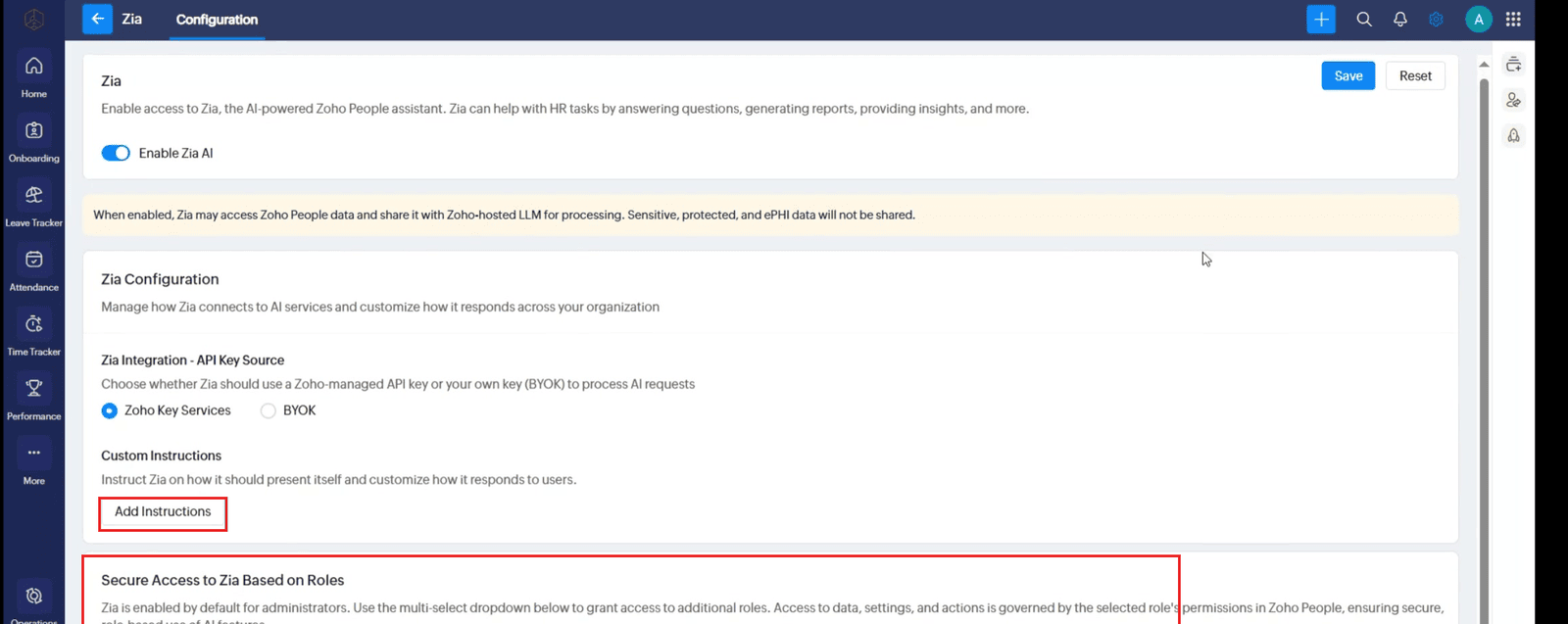
1.5 Add custom instructions if needed, and set role access according to your organization’s policy.
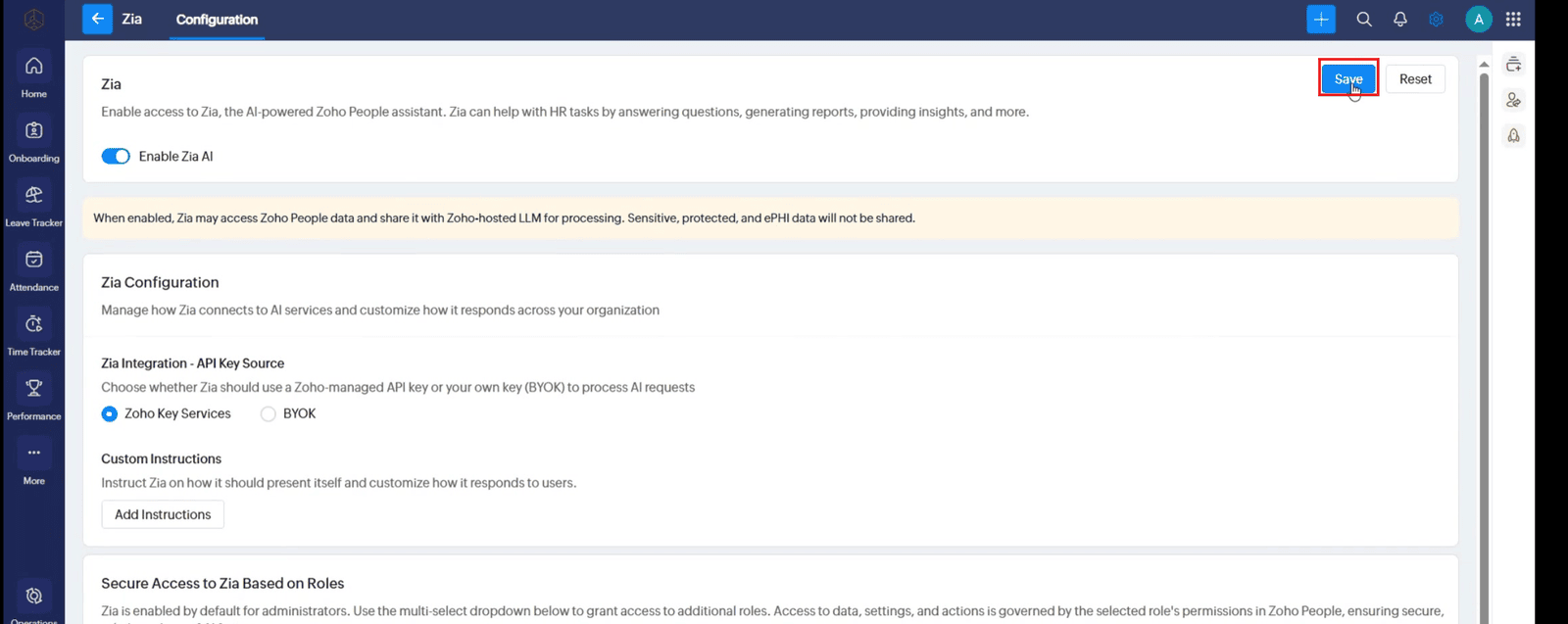
1.6 Save the Zia configuration.
2. View your current leave balance
2.1 Open Zia in Zoho People.
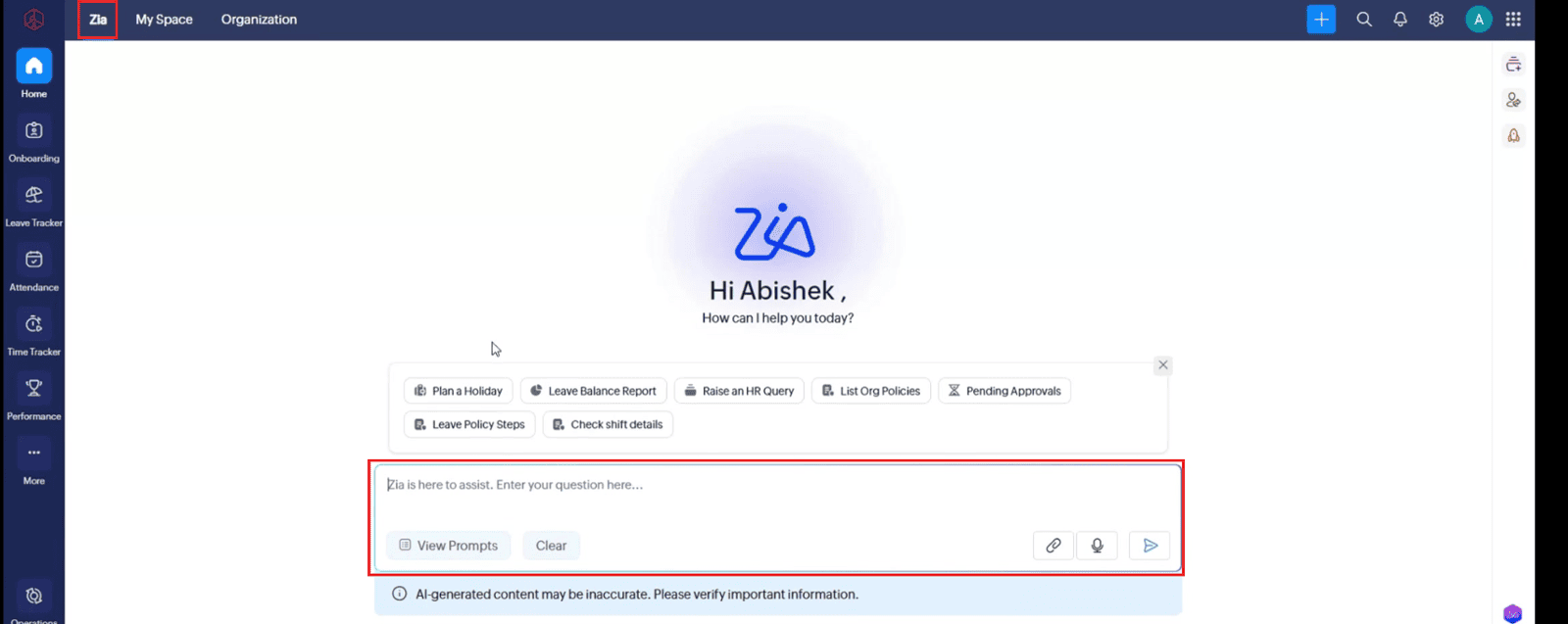
2.2 Ask Zia: “Display my current leave balance as a chart.”
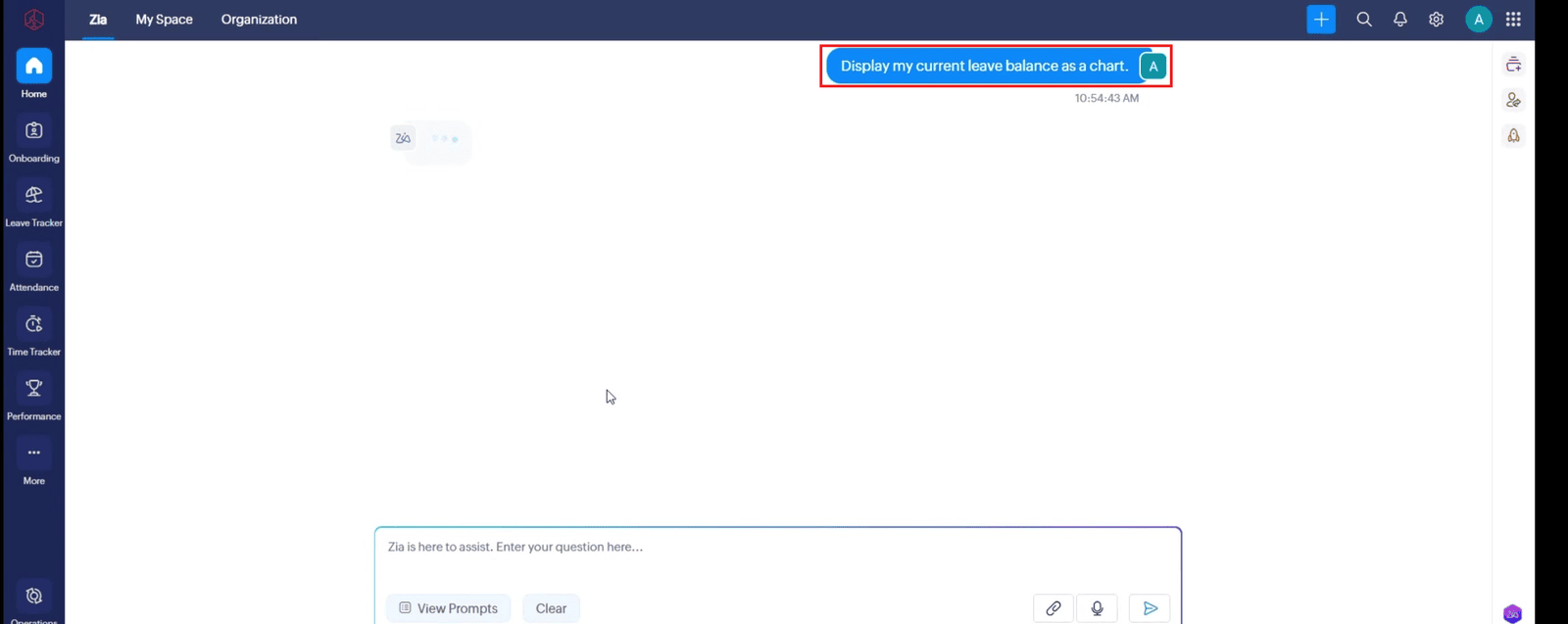
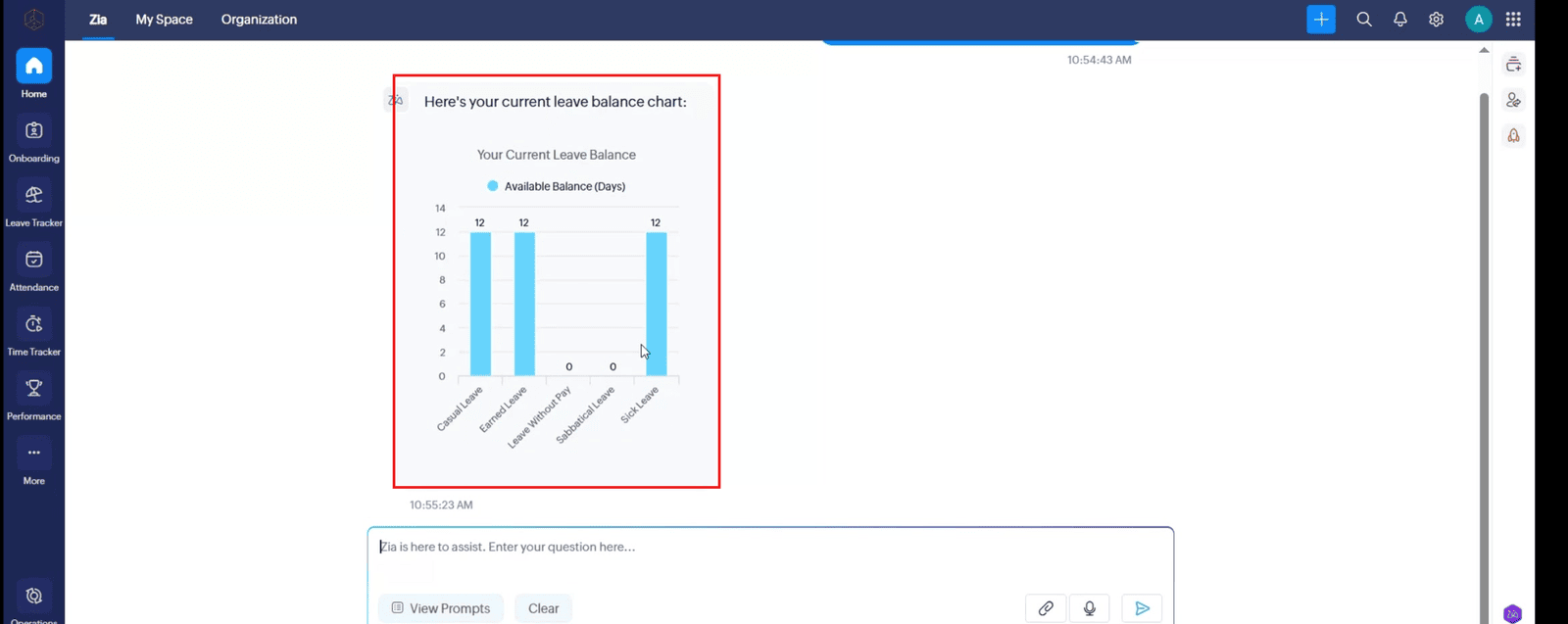
2.3 Review the chart and check the balance for each leave type.
3. Check whether you have enough leave
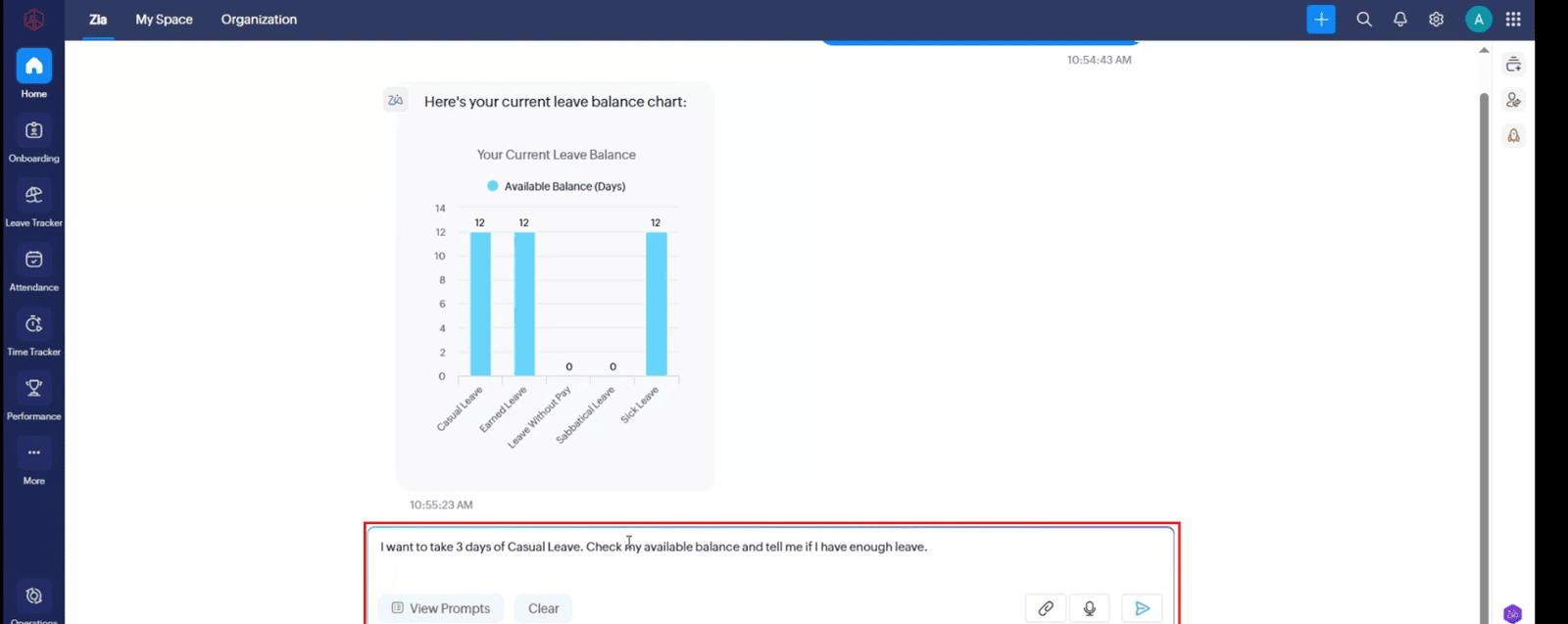
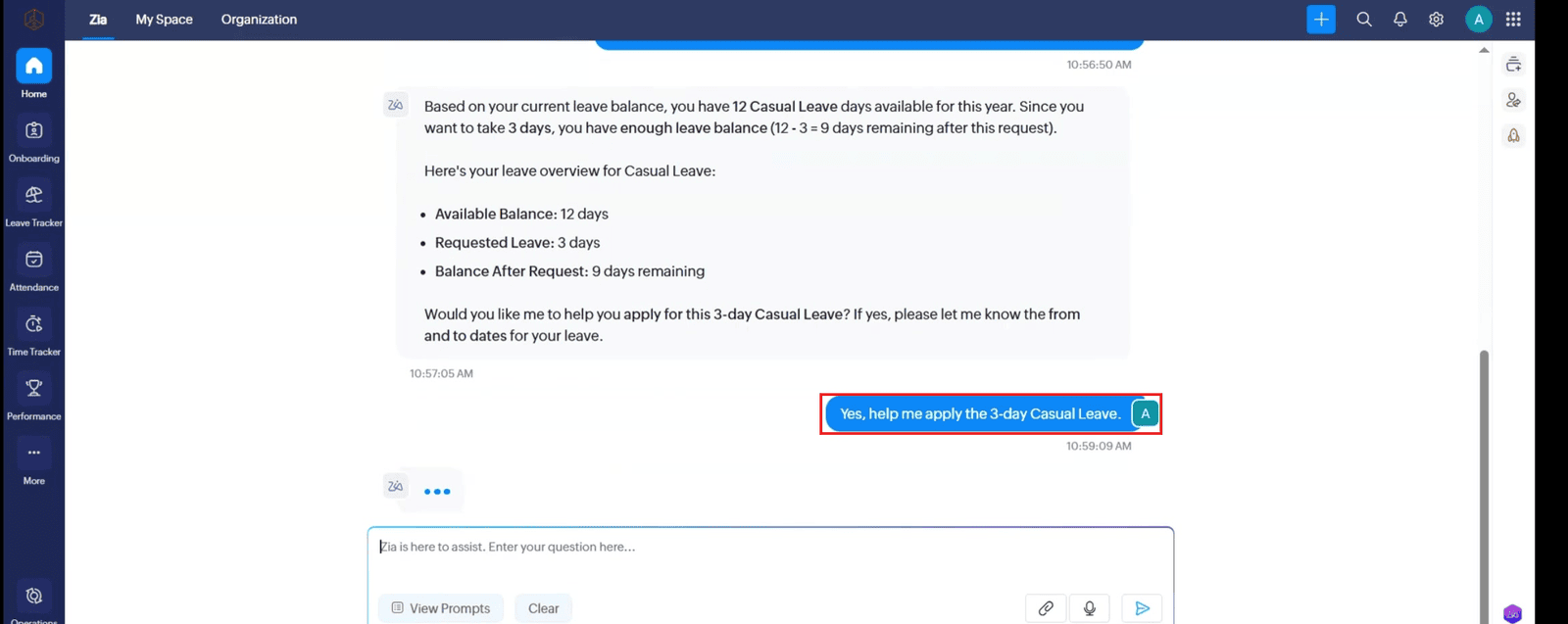
3.1 Ask: “I want to take 3 days of Casual Leave. Check my available balance and tell me if I have enough leave.”
3.2 Review Zia’s calculation. In the video example, 12 available days minus 3 requested days leaves 9 days. Your balance may differ.
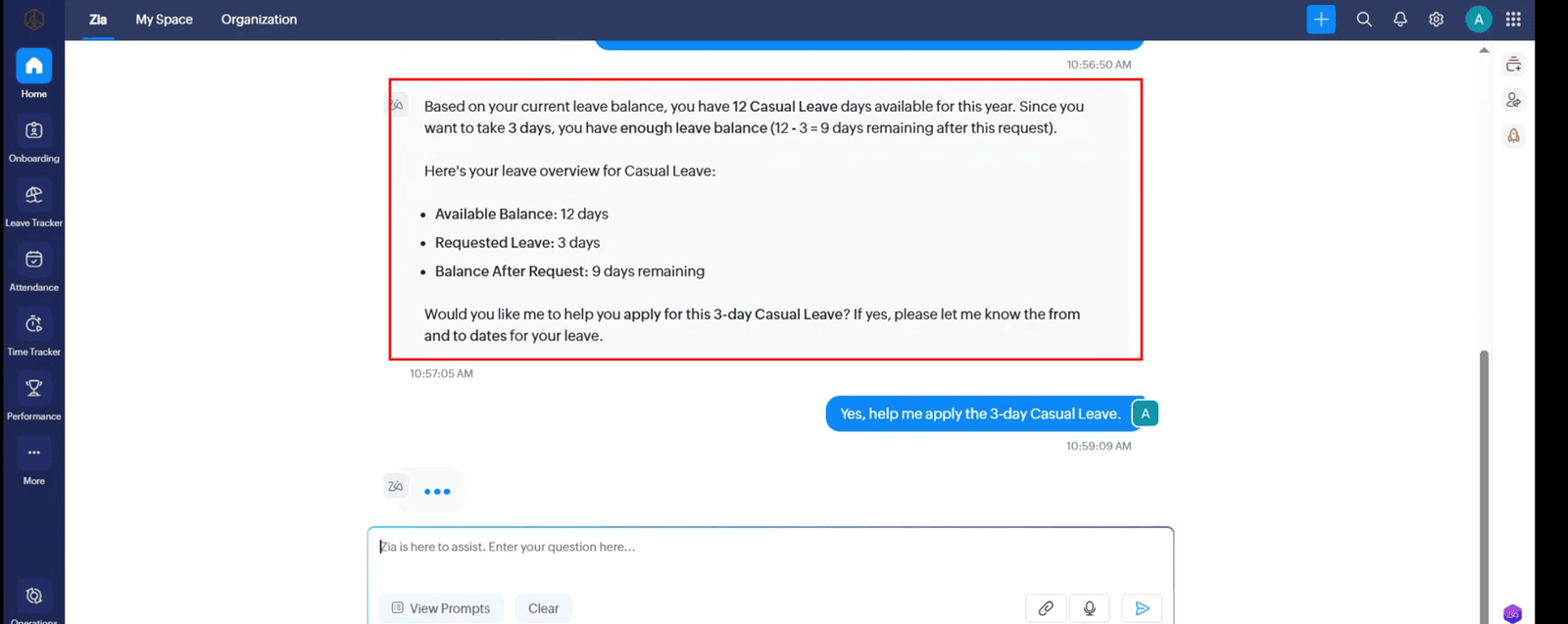
3.3 If your balance is sufficient and you want to apply, reply: “Yes, help me apply for the 3-day Casual Leave.”
4. Enter dates and review the request
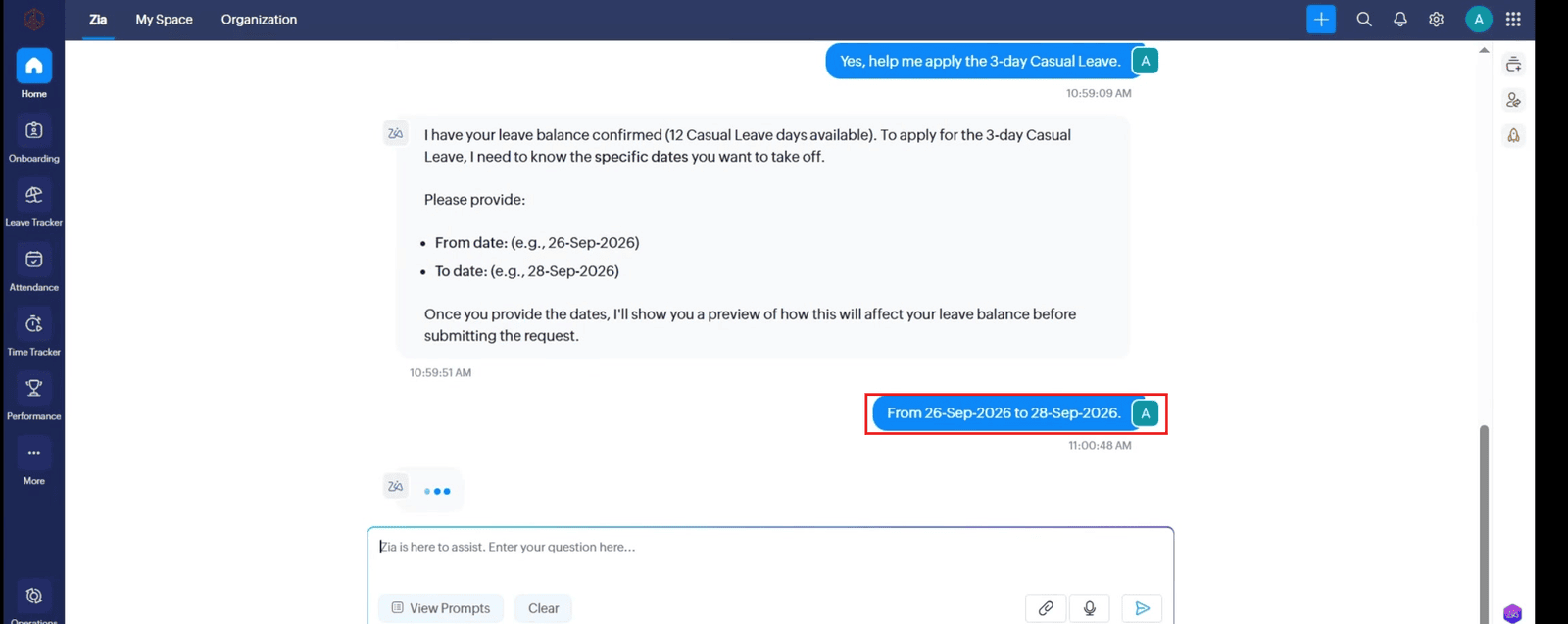
4.1 Give Zia the leave start and end dates. The video example uses 26–28 September 2026; enter the dates you actually intend to request.
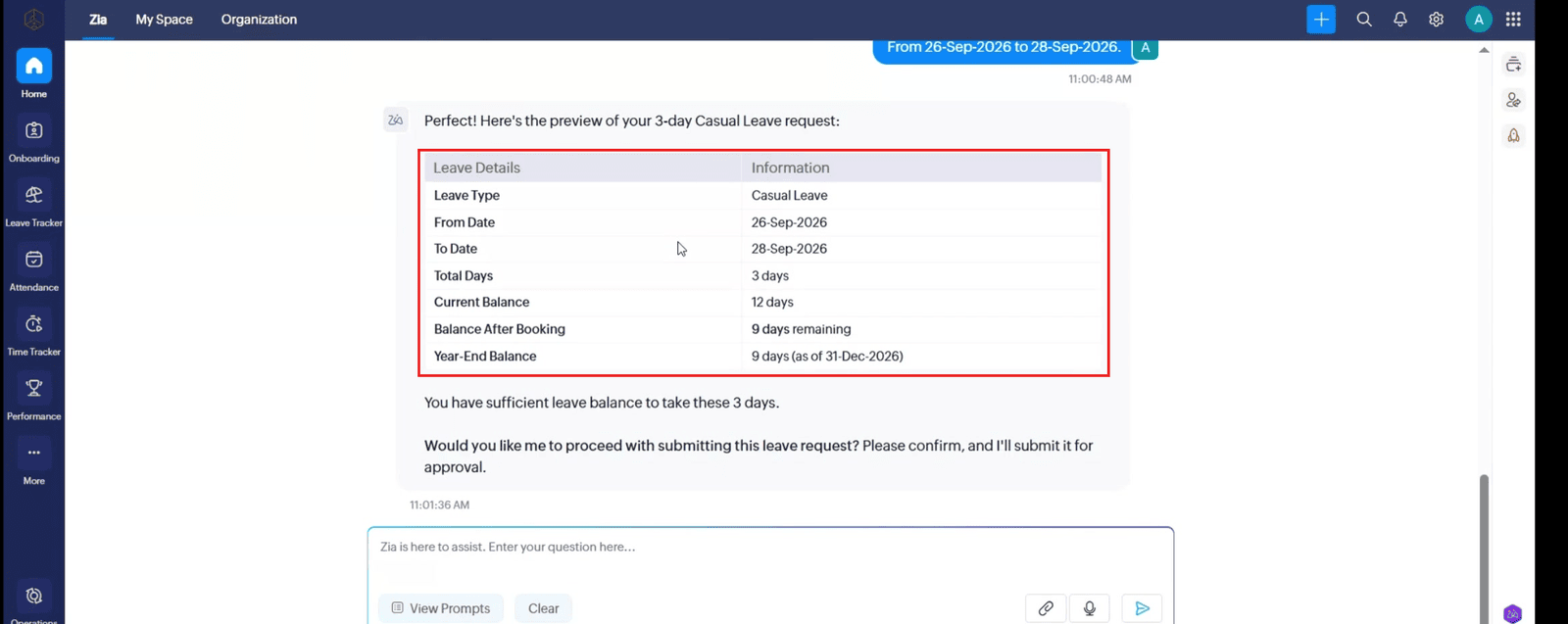
4.2 Review the preview, including leave type, dates, total days, current balance, balance after booking, and year-end balance.
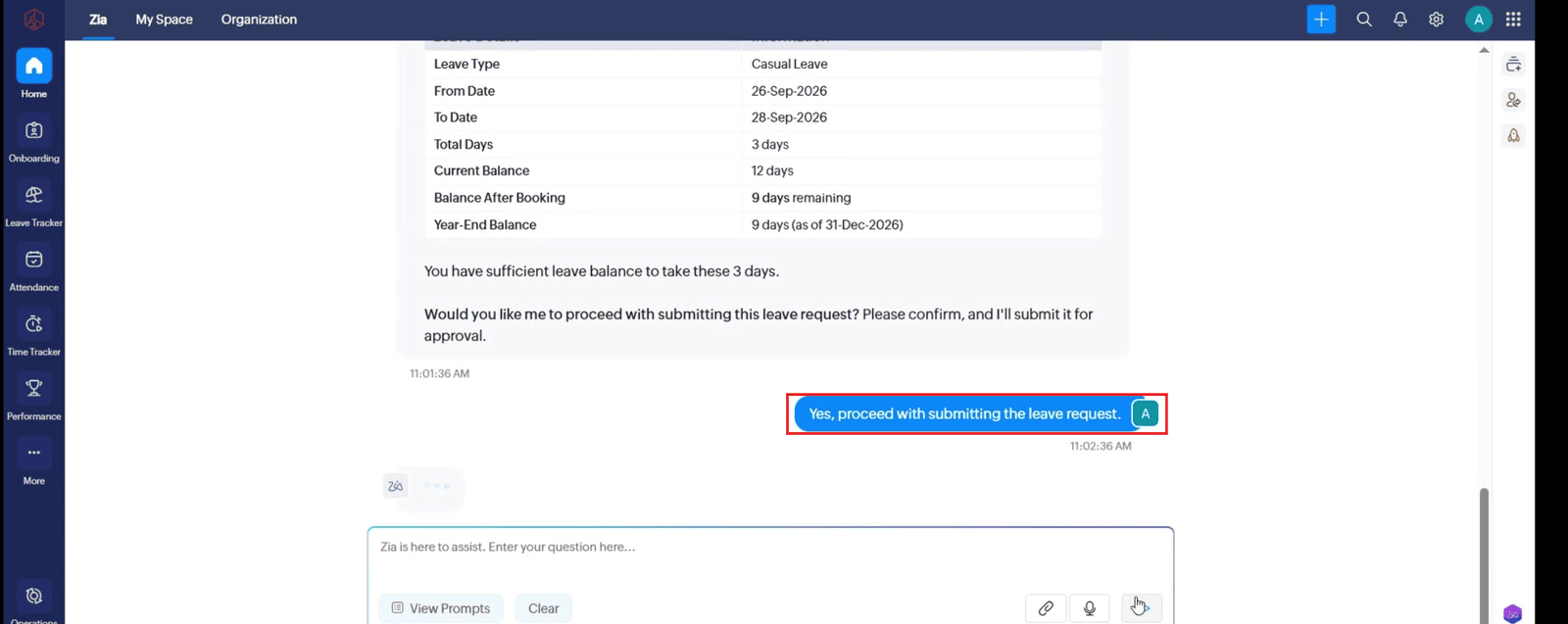
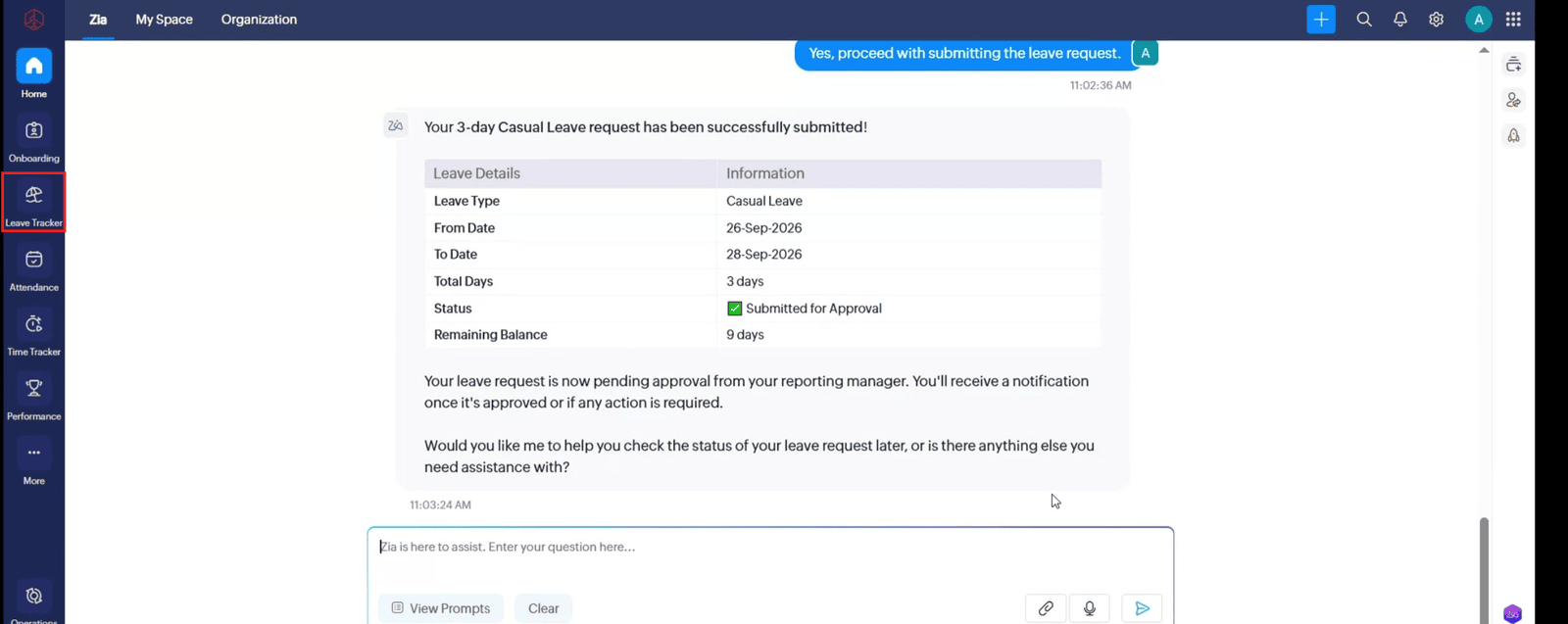
4.3 If every detail is correct, confirm submission. For example: “Yes, proceed with submitting the leave request.”
5. Check the request status
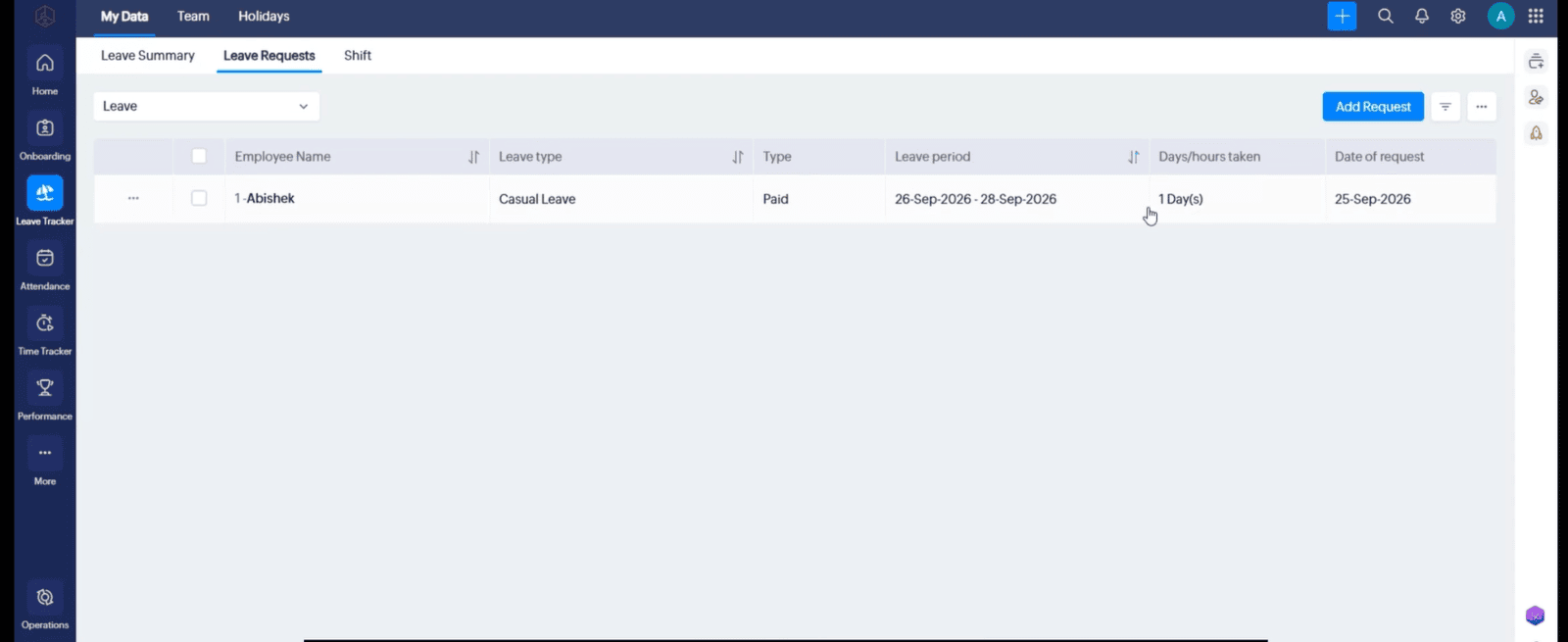
5.1 Open Leave Tracker in Zoho People.
5.2 Go to My Data → Leave Request.
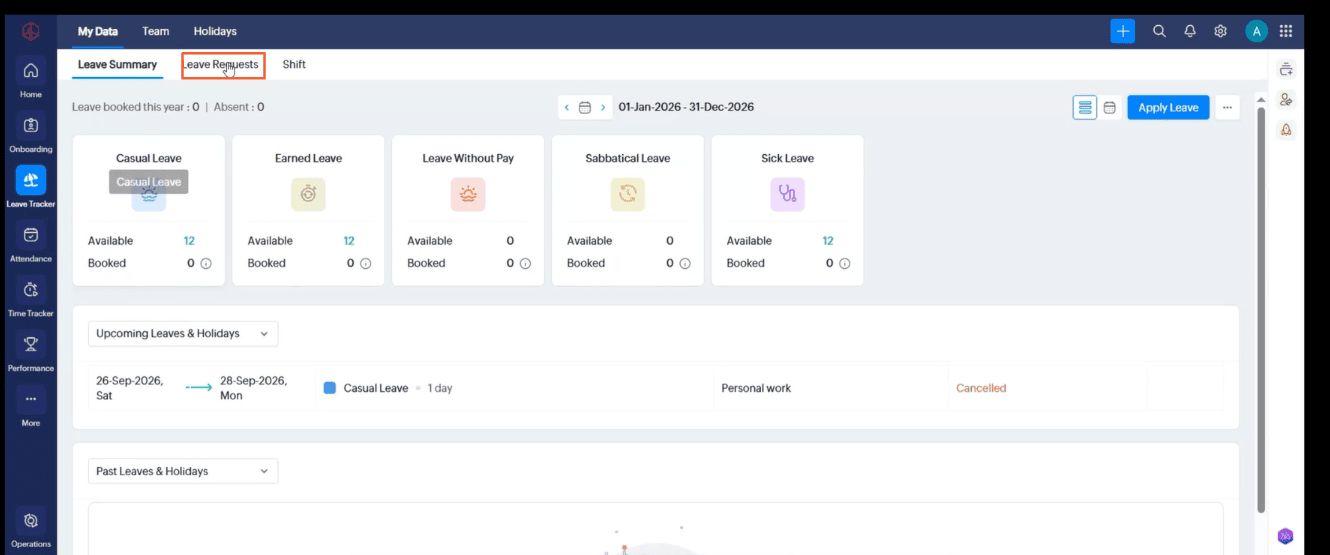
5.3 Find your request and check its current status. Approval timing and outcome depend on your organization’s workflow.